Preferred appraisers: invites, removal, and what comes back
Four questions answered as the product works today, with the emails an appraiser receives shown below.
| Question | Short answer | |
|---|---|---|
| Q1 | Action to appear | No. They’re on the list from the moment you invite them |
| Q2 | Removal | Yes. Untick and save |
| Q3 | What they receive | An email - two versions, shown below |
| Q4 | Offers back | Yes. On the appraisal, managers only |
Q1 · Once an appraiser receives an invite, do they need to act to appear in the list?
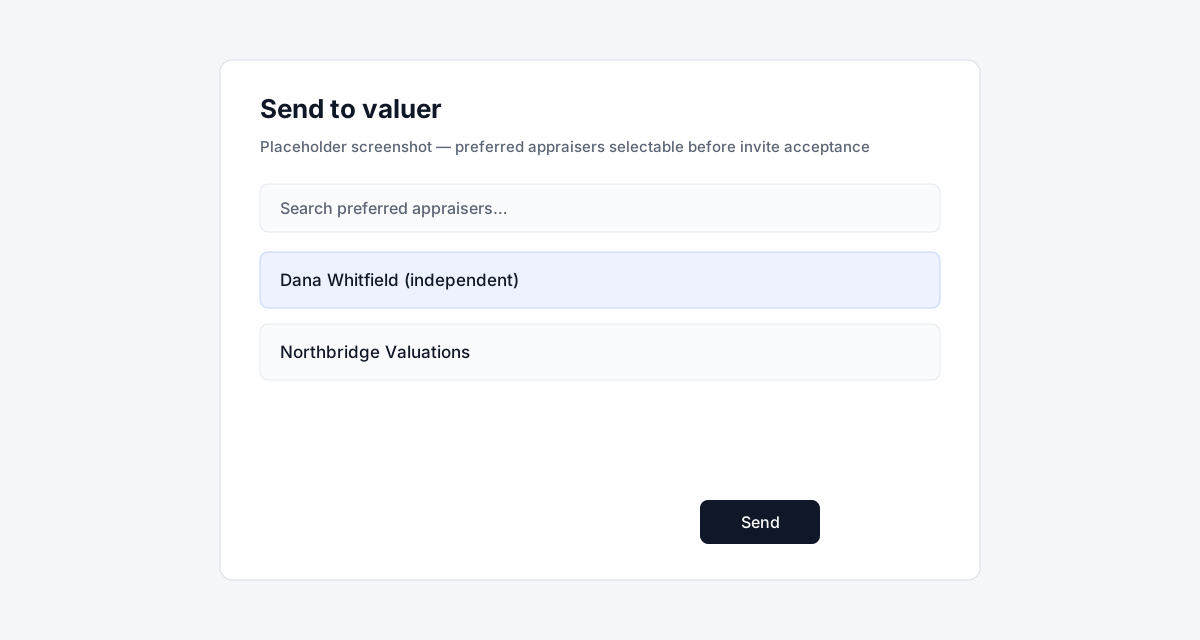
Section titled “Q1 · Once an appraiser receives an invite, do they need to act to appear in the list?”No. Entering their name, email and mobile adds them to your preferred appraisers immediately. They’re ticked on the settings page and selectable in Send to valuer (from Appraisals, Valuations, or the lead cluster Trade tab) straight away, whether or not they ever open the invite.
What the invite is for is access. The link in it is how they set a password, so until they accept they can’t sign in to see their requests. You can still send them one - it sits waiting, and they have the email with a link that asks them to sign in first. Inviting the same person again simply resends the invitation.
Q2 · Can preferred appraisers be removed from the list?
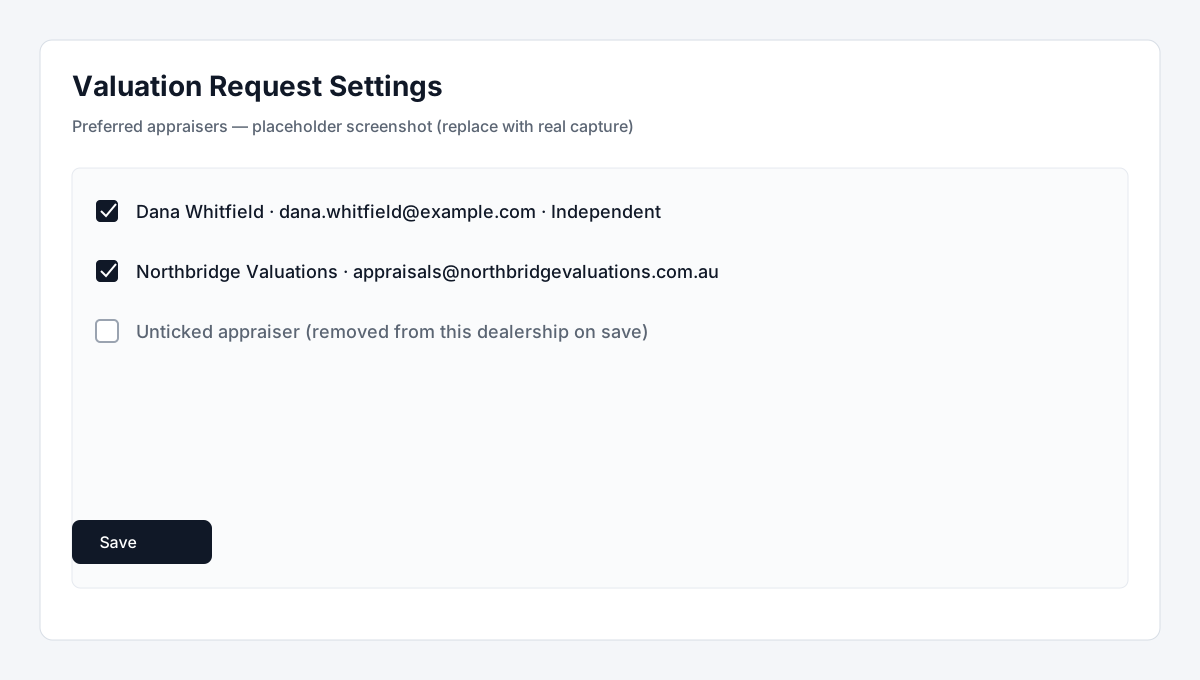
Section titled “Q2 · Can preferred appraisers be removed from the list?”Yes. Untick them on Valuation Request Settings and save. There’s no separate delete button - the list saves as a whole, so unticking is the removal.
It only removes them from your dealership. Their account stays, and any request you’d already sent them stays visible to them so they can still respond to it.
Q3 · What does the appraiser receive when an appraisal is sent to them?
Section titled “Q3 · What does the appraiser receive when an appraisal is sent to them?”An email with the dealership name, who it’s assigned to, the vehicle, the rego, the notes from whoever sent it, and a button through to the request. There are two versions, depending on the appraiser:
- An independent appraiser you invited by email always gets it.
- An appraiser at a valuation company gets a version that goes through that company’s notification settings - so it only sends if they’ve turned it on and named at least one recipient.
Someone brand new also gets the invitation email, so a first-time appraiser usually receives two messages. All three are shown below with example details you can share as-is.
Q4 · Can appraisers push a valuation back for managers to see?
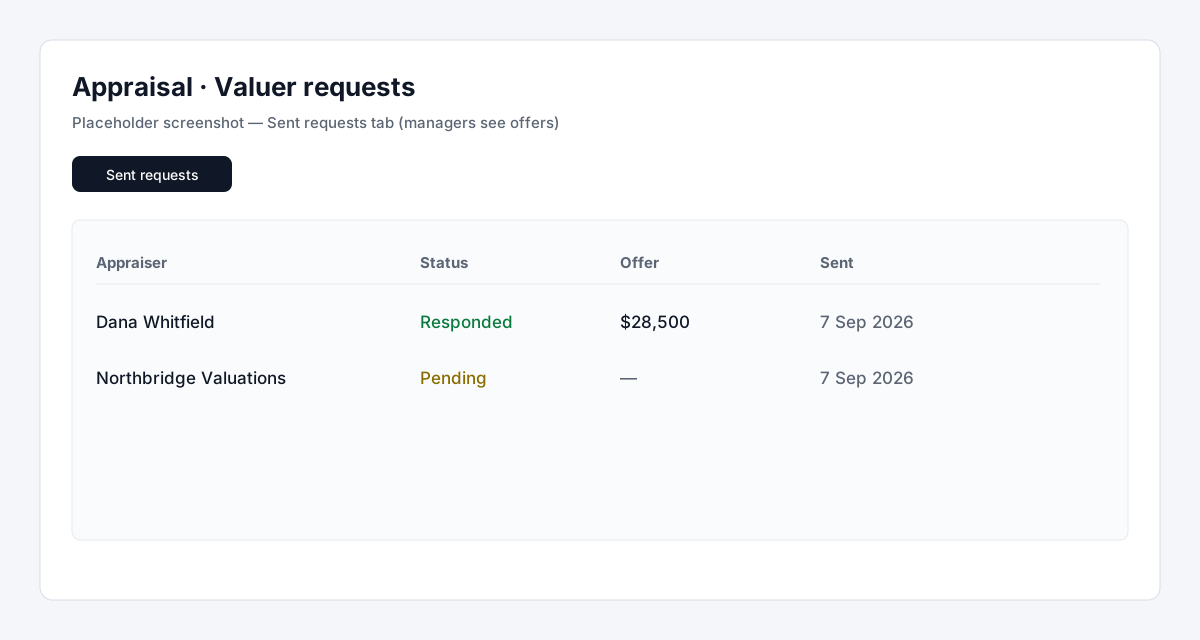
Section titled “Q4 · Can appraisers push a valuation back for managers to see?”Yes, and it stays in the dashboard. The appraiser opens the request, enters their figure and any notes, and submits it - or declines with a note. It comes straight back onto the appraisal, where a Valuer requests panel and a Sent requests tab list each appraiser, the status, their offer, and when it was sent.
| Role | Send a request | See offers that come back | Respond to a request |
|---|---|---|---|
| Manager | Yes | Yes | Yes |
| Staff | Yes | No | No |
| Appraiser | No | No | Yes |
Only managers see the offers, which is deliberate - staff can send a request but not view what came back. The person who sent it also gets a push notification when a response lands, if they have that turned on.
The emails, with example details
Section titled “The emails, with example details”Westside Auto Group sending a 2019 Mazda CX-5 Akera, rego BQ42XR, to appraiser Dana Whitfield. Made-up details, real layout.
Request sent to an independent appraiser
Section titled “Request sent to an independent appraiser”| From | Dealer Studio <noreply@dealerstudio.com.au> |
| To | dana.whitfield@example.com |
| Cc | priya.raman@westsideauto.com.au, trades@westsideauto.com.au |
| Subject | Valuation Assignment Created - Westside Auto Group |
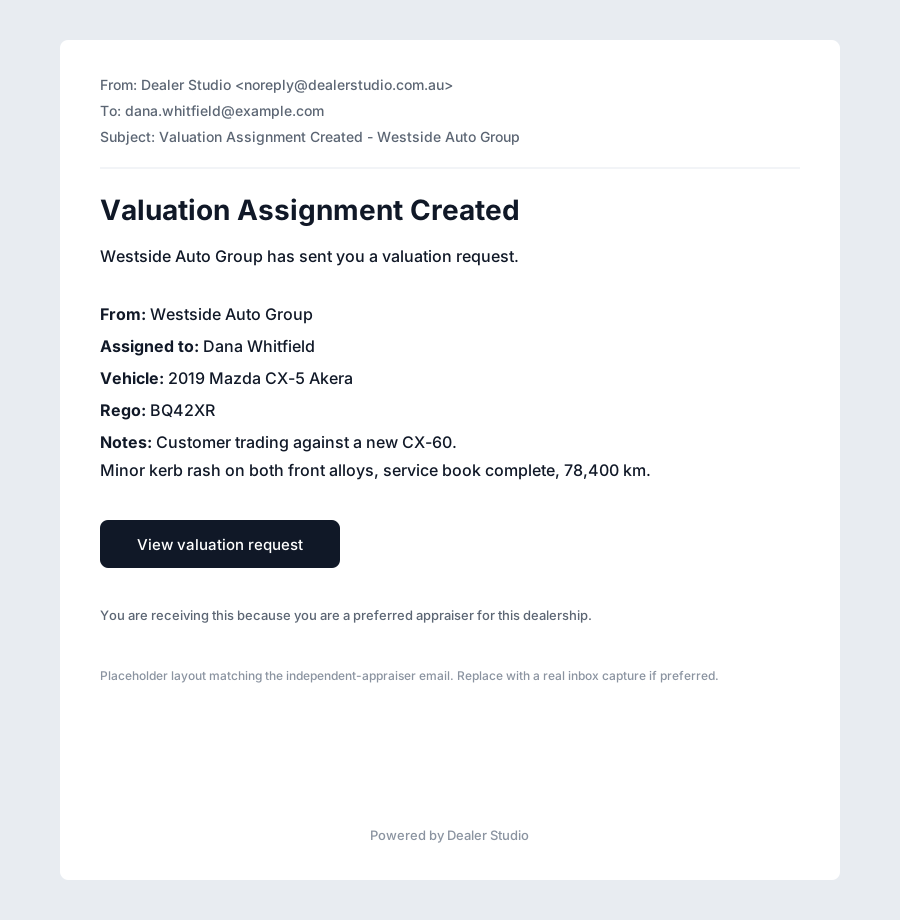
Always sends · Independent appraiser
Someone a dealership invited by email, not attached to a valuation company. The person who sent the request is copied in, along with anyone set as a CC recipient in settings.
Example details (text)
Valuation Assignment Created
Westside Auto Group has sent you a valuation request.
- From: Westside Auto Group
- Assigned to: Dana Whitfield
- Vehicle: 2019 Mazda CX-5 Akera
- Rego: BQ42XR
- Notes: Customer trading against a new CX-60. Minor kerb rash on both front alloys, service book complete, 78,400 km.
[View valuation request]
You are receiving this because you are a preferred appraiser for this dealership.
The contents of this email are strictly confidential. If you are not the intended recipient, please delete the message from your system and notify us at support@dealerstudio.com.au.
Powered by Dealer Studio
Request sent to a valuation company
Section titled “Request sent to a valuation company”| From | Dealer Studio <noreply@dealerstudio.com.au> |
| To | appraisals@northbridgevaluations.com.au |
| Cc | priya.raman@westsideauto.com.au |
| Subject | Valuation Assignment Created - Northbridge Valuations |
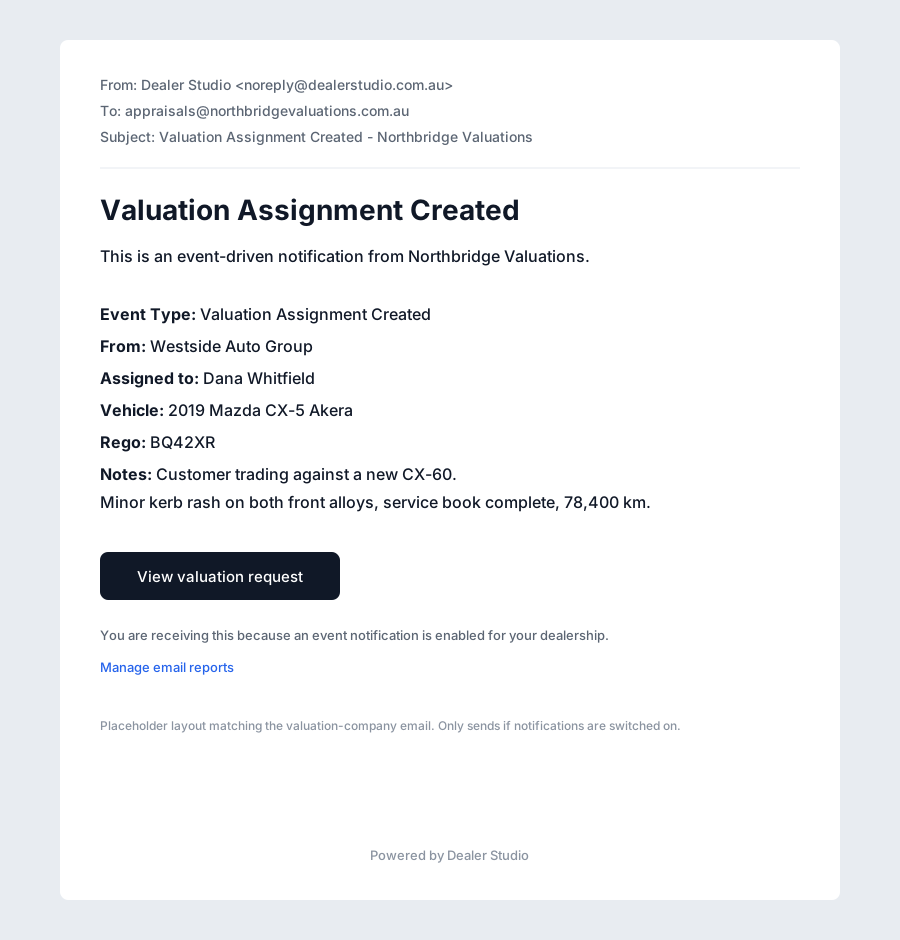
Only if switched on · Appraiser at a valuation company
Goes through that company’s notification settings, so nothing sends unless they’ve enabled valuation requests and named a recipient. The wording is a little more system-flavoured than the version above.
Example details (text)
Valuation Assignment Created
This is an event-driven notification from Northbridge Valuations.
- Event Type: Valuation Assignment Created
- From: Westside Auto Group
- Assigned to: Dana Whitfield
- Vehicle: 2019 Mazda CX-5 Akera
- Rego: BQ42XR
- Notes: Customer trading against a new CX-60. Minor kerb rash on both front alloys, service book complete, 78,400 km.
[View valuation request]
You are receiving this because an event notification is enabled for your dealership.
[Manage email reports]
The contents of this email are strictly confidential. If you are not the intended recipient, please delete the message from your system and notify us at support@dealerstudio.com.au.
Powered by Dealer Studio
The invitation itself
Section titled “The invitation itself”| From | Dealer Studio <noreply@dealerstudio.com.au> |
| To | dana.whitfield@example.com |
| Subject | Invitation instructions |
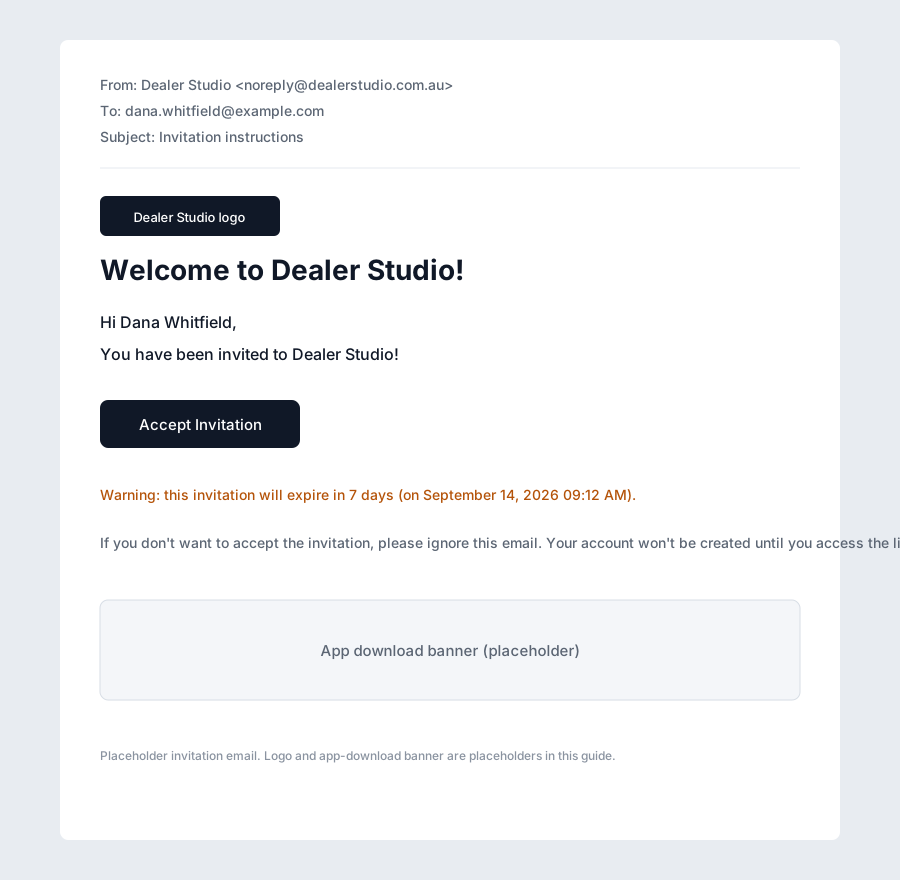
First-time appraisers only · The invitation
Sent when the email address is new to Dealer Studio. This is what lets them sign in - their place on your preferred list already exists without it. A reminder version goes out if the invite goes unaccepted.
The logo and app-download banner are shown as placeholders here; the real emails include both. Everything else matches what lands in an appraiser’s inbox.
Example details (text)
Welcome to Dealer Studio!
Hi Dana Whitfield,
You have been invited to Dealer Studio!
[Accept Invitation]
Warning: this invitation will expire in 7 days (on September 14, 2026 09:12 AM).
If you don’t want to accept the invitation, please ignore this email. Your account won’t be created until you access the link above and set your password.